Son Kullanıcı Lisans Sözleşmesi · Son güncelleme: 26 Eylül 2026
Bu Kullanım Koşulları ("Koşullar", "Sözleşme"), siz ("Kullanıcı", "siz") ile Book Reading Helper ("Uygulama") uygulamasının geliştiricisi ve sahibi olan [Geliştirici / Şirket Unvanı] ("Geliştirici", "biz") arasında hukuken bağlayıcı bir sözleşme oluşturur. Bu Koşullar, Uygulamaya ve içinde sunulan hizmetlere ("Hizmetler") erişiminizi ve kullanımınızı düzenler.
LÜTFEN BU KOŞULLARI DİKKATLİCE OKUYUN. UYGULAMAYI İNDİRMENİZ, KURMANIZ, HESAP OLUŞTURMANIZ VEYA BAŞKA BİR ŞEKİLDE KULLANMANIZ, BU KOŞULLARI VE GİZLİLİK POLİTİKAMIZI OKUDUĞUNUZU, ANLADIĞINIZI VE KABUL ETTİĞİNİZİ BEYAN VE TAAHHÜT ETTİĞİNİZ ANLAMINA GELİR. KABUL ETMİYORSANIZ, UYGULAMAYI KULLANMAYIN VE CİHAZINIZDAN KALDIRIN.
Bu Koşullar Nasıl Düzenlenmiştir
- Başlarken — Uygulamayı kimlerin kullanabileceği ve Hizmetin nasıl çalıştığı (Madde 1–4)
- Premium için Ödeme — abonelikler, limitler ve adil kullanım (Madde 5–7)
- Kurallar — kabul edilebilir kullanım, telif hakkı ve mülkiyet (Madde 8–11)
- Bir Şeyler Ters Giderse — garantiler, sorumluluk ve fesih (Madde 12–16)
- İnce Ayrıntılar — uygulanacak hukuk ve bize nasıl ulaşacağınız (Madde 17–19)
1. Yaş Sınırı ve Uygunluk
Uygulamayı kullanmak için gereken asgari yaş, bulunduğunuz yere göre değişir:
- Avrupa Ekonomik Alanı (AEA) veya Birleşik Krallık'ta iseniz, ikamet ettiğiniz ülke daha düşük bir dijital rıza yaşı (en düşük 13 olabilir) belirlemediği sürece en az 16 yaşında olmalısınız; bu durumda o daha düşük yaş geçerli olur.
- AEA/Birleşik Krallık dışındaysanız, en az 13 yaşında olmalısınız veya bulunduğunuz yargı alanında gereken asgari yaş — hangisi daha yüksekse.
Yukarıdaki geçerli asgari yaşı karşıladığınızı ve bu Koşullara girmeye hukuken ehil olduğunuzu beyan ve taahhüt edersiniz. Uygulamayı bir reşit olmayan adına kullanıyorsanız, onun ebeveyni veya yasal vasisi olduğunuzu ve bu Koşulları onun adına kabul ettiğinizi beyan edersiniz.
2. Değişiklikler
Bu Koşulları kendi takdirimize bağlı olarak değiştirme veya revize etme hakkını saklı tutarız. Değişiklikler, güncellenmiş Koşulların yayımlanmasıyla, "Son güncelleme" tarihine yansıyacak şekilde yürürlüğe girer. Önemli değişiklikleri Uygulama üzerinden makul ölçüde bildirmeye çalışacağız. Herhangi bir değişiklikten sonra Uygulamayı kullanmaya devam etmeniz, revize edilmiş Koşulları kabul ettiğiniz anlamına gelir.
3. Uygulama ve Hizmetlerin Tanımı
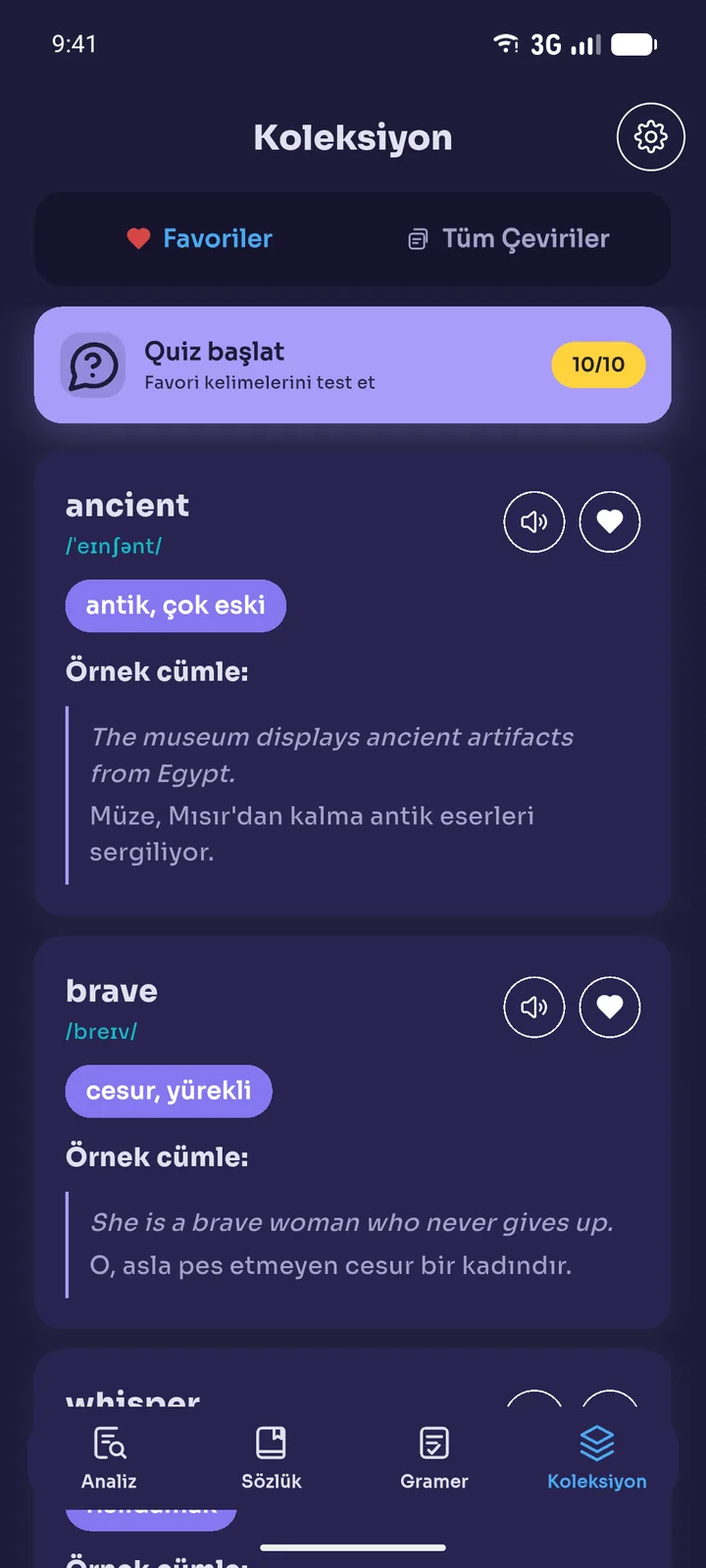
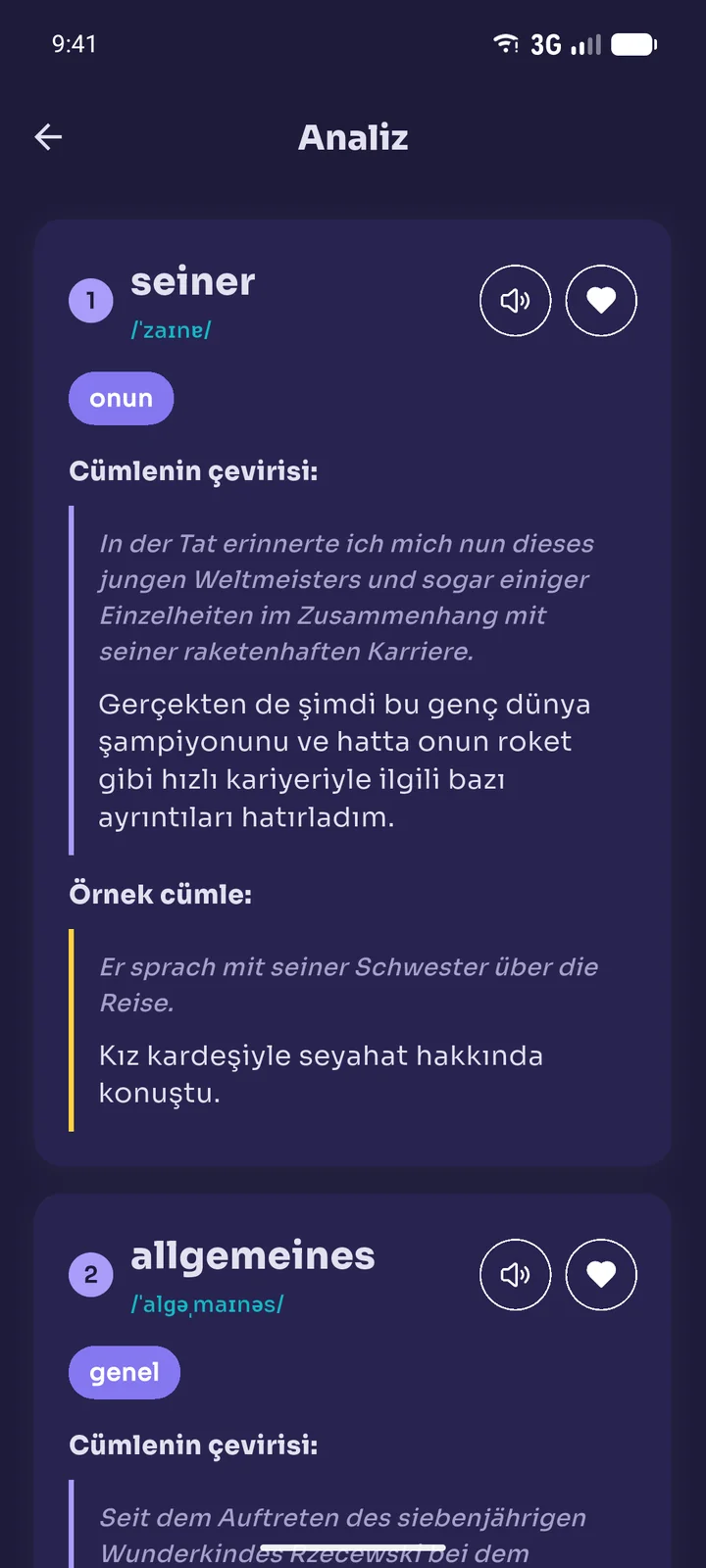
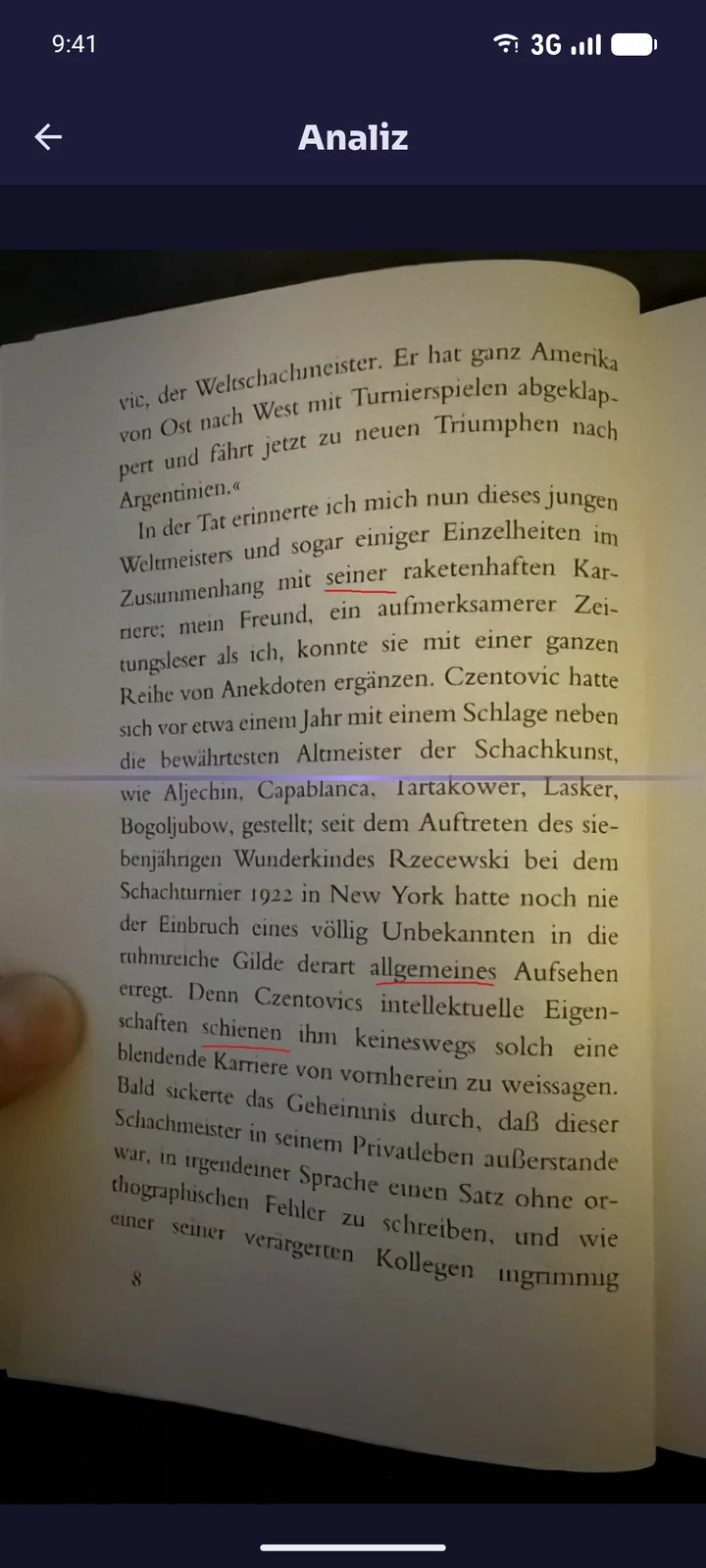
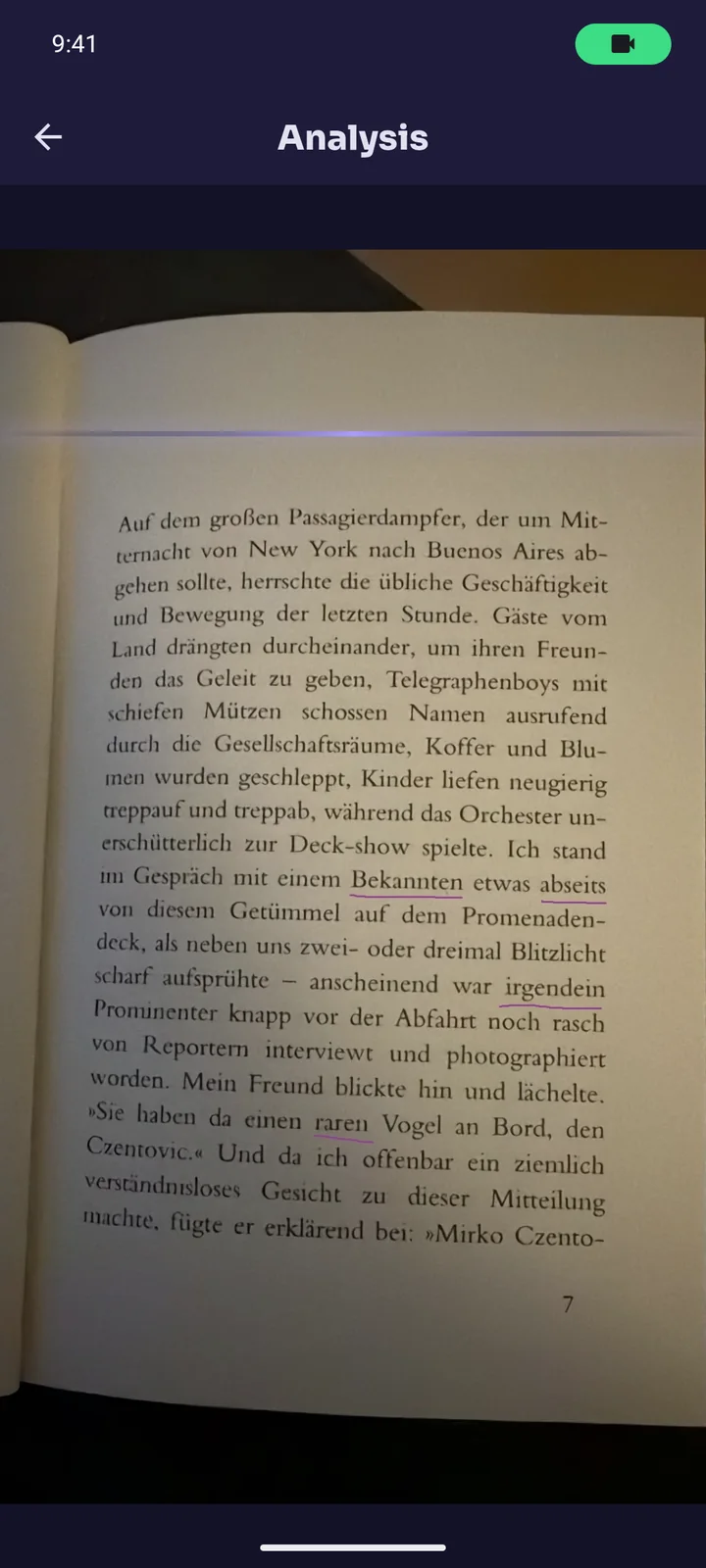
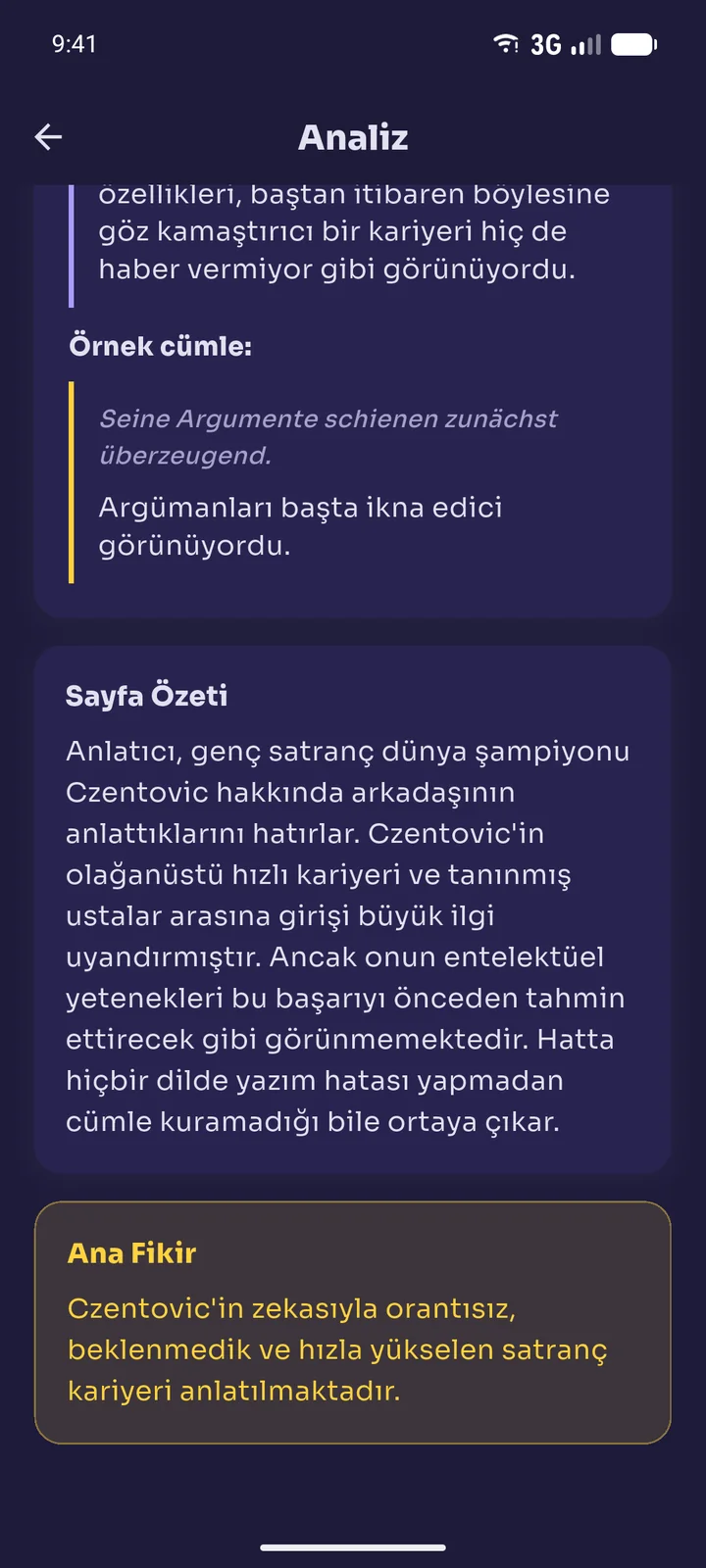
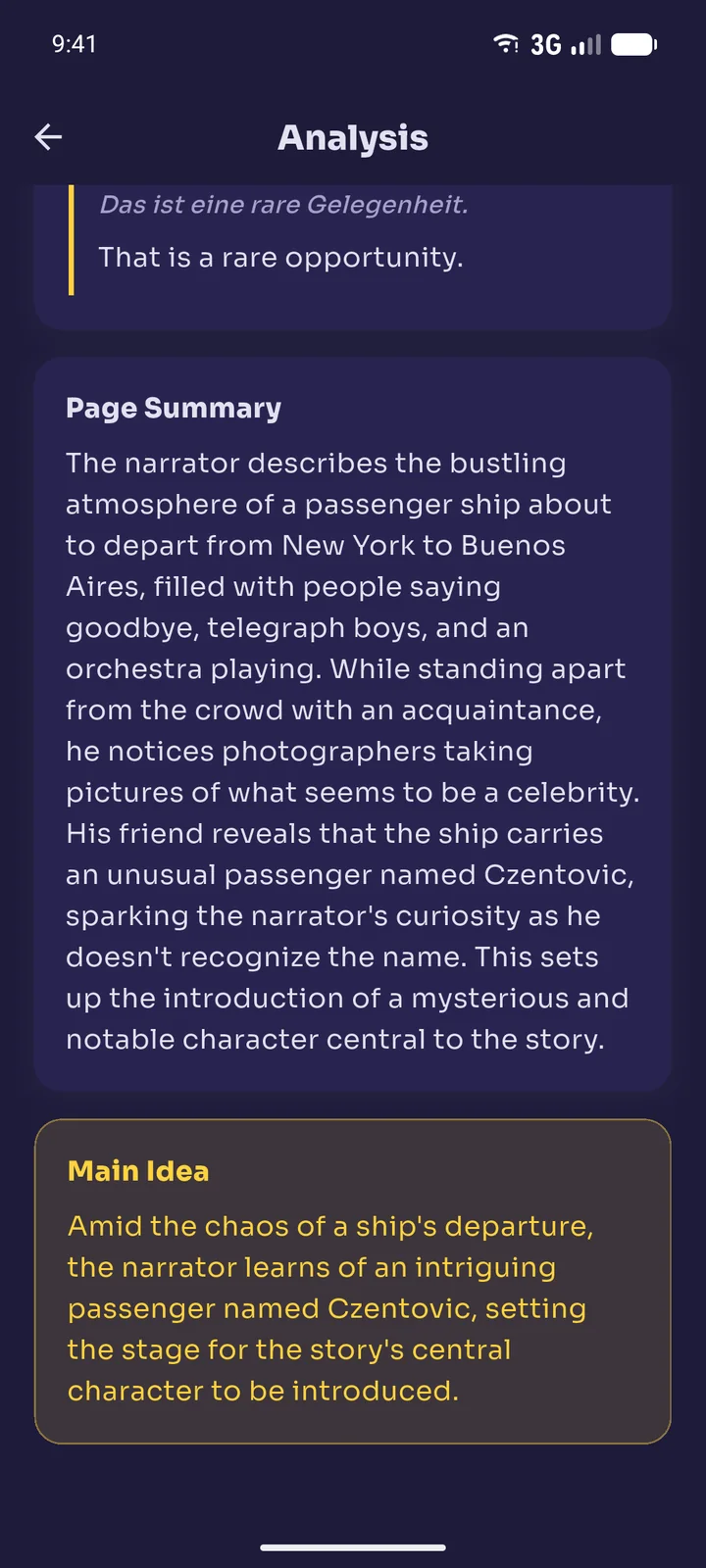
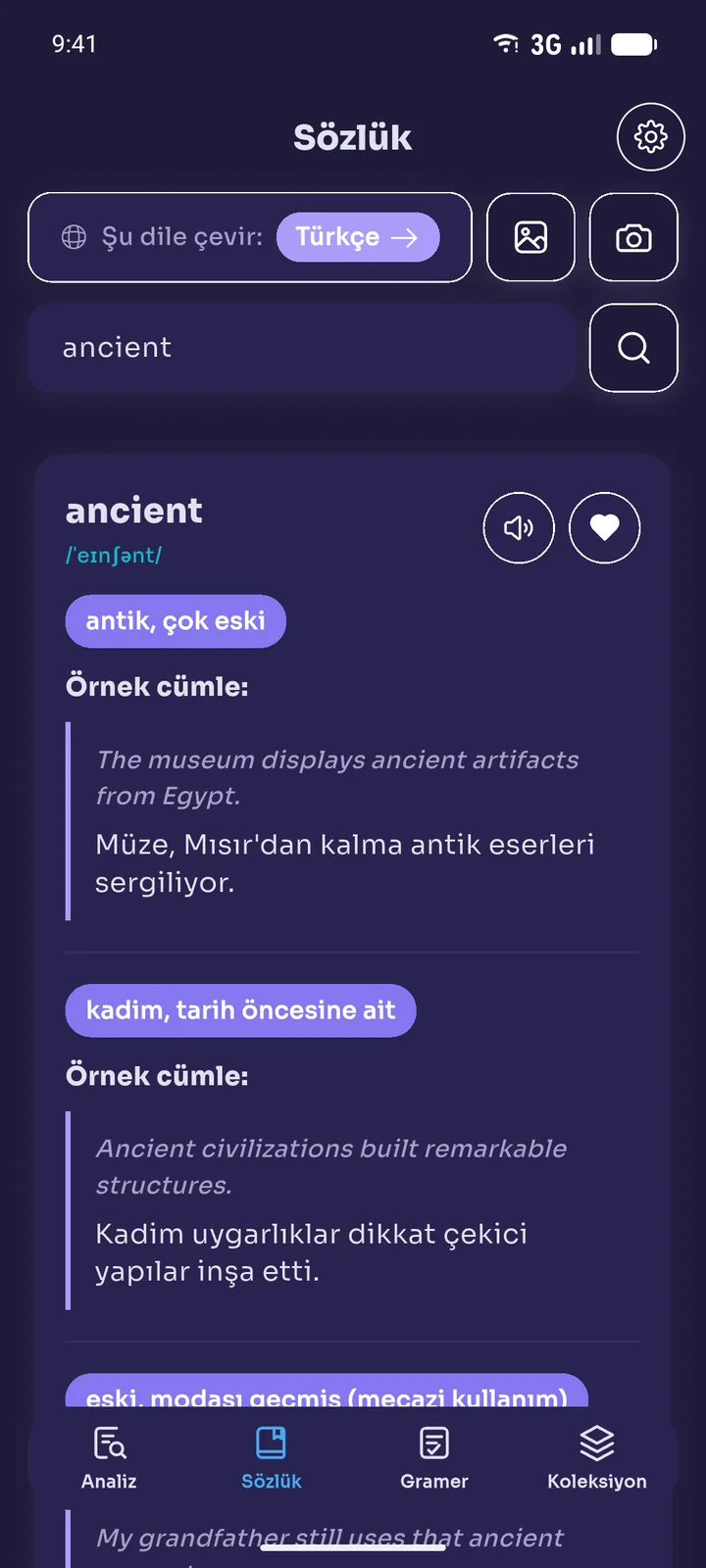
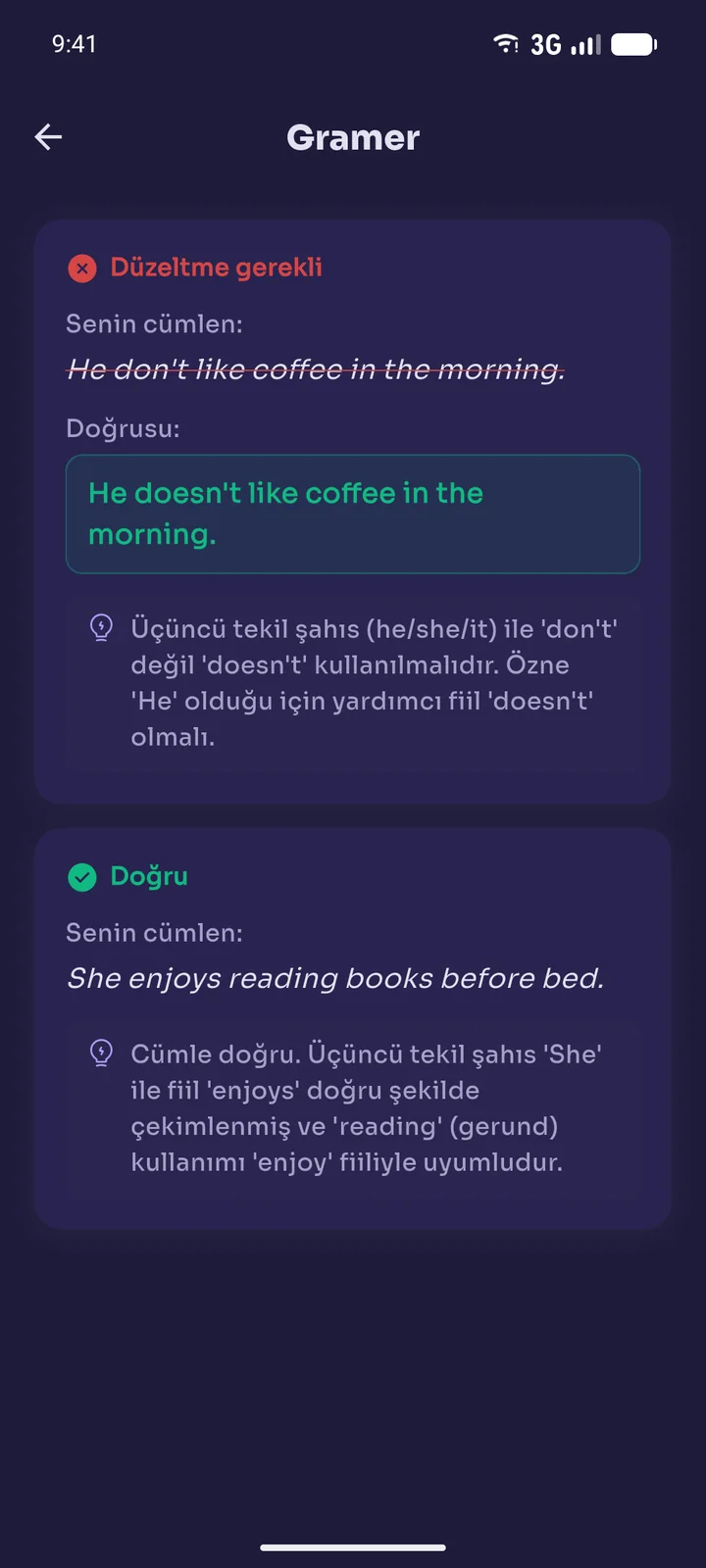
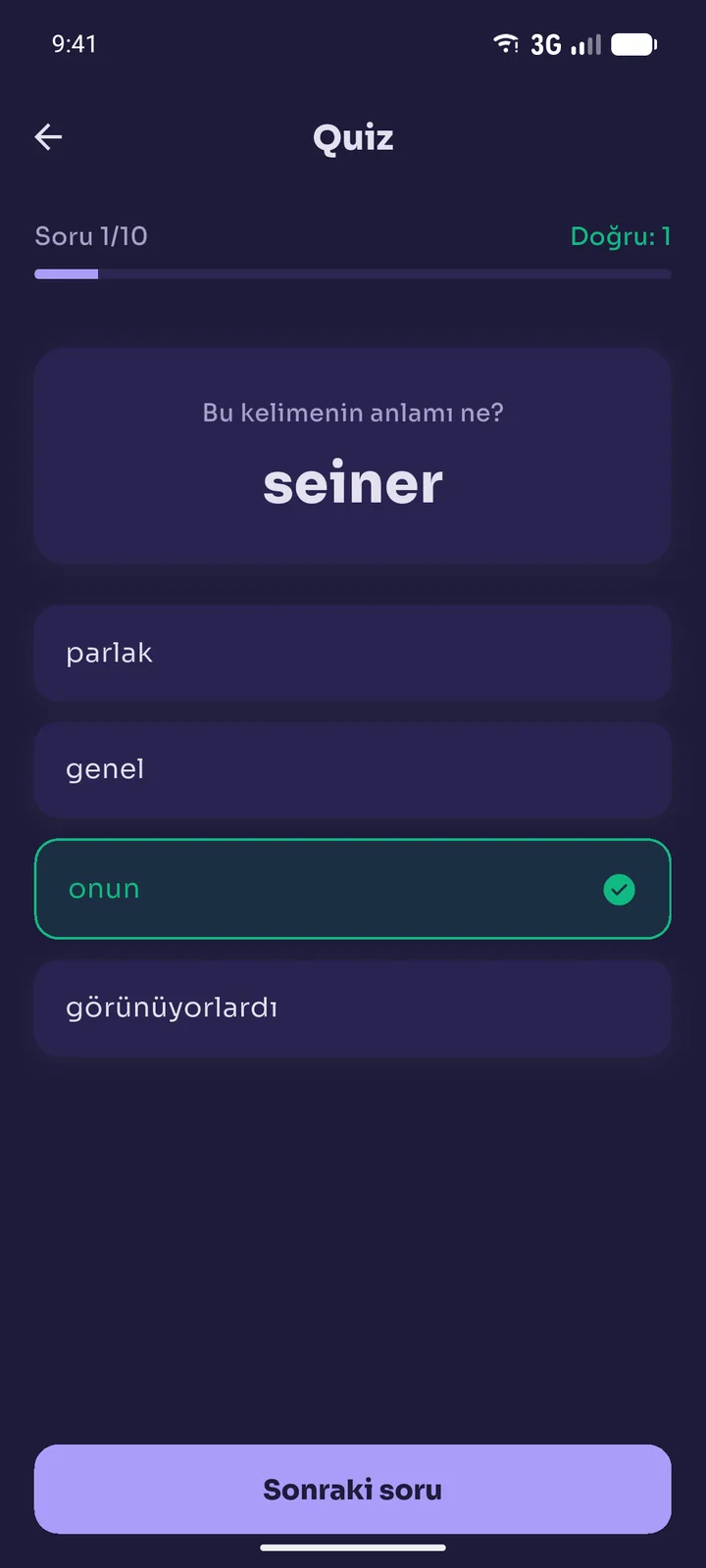
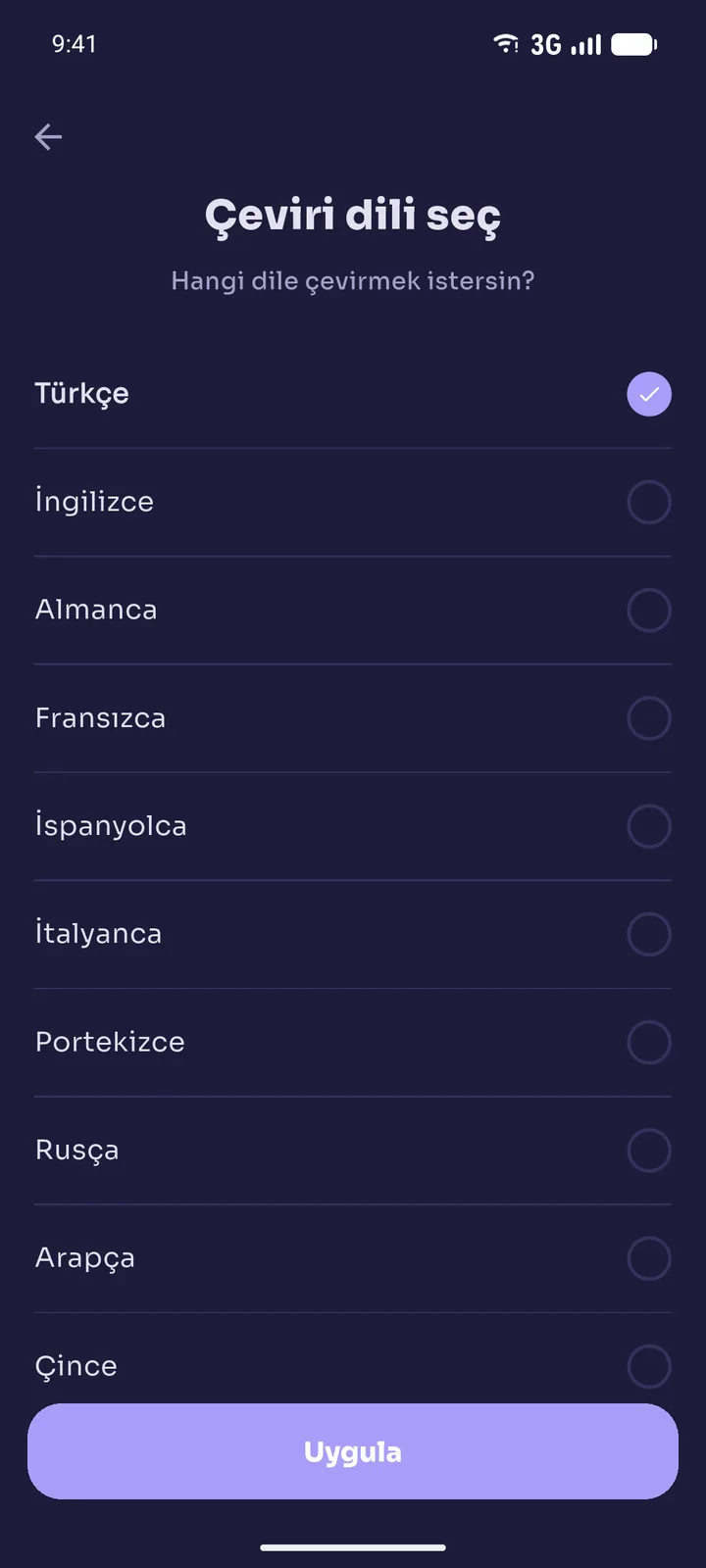
Book Reading Helper, kullanıcıların fiziksel kitap sayfalarını fotoğraflamasına, altı çizili kelime ve cümleleri tespit etmesine ve seçtikleri dilde çeviri, telaffuz, örnek cümle ve sayfa özeti almasına olanak tanır. Uygulama ayrıca yazarak veya fotoğraftan sözlük araması, kaydedilen kelimelerden oluşan bir kelime listesi ve quiz, fotoğraftaki cümleler için gramer kontrolü ve sesli okuma sunar.
Uygulama şu planlarla sunulur veya sunulabilir:
- Makul kullanım limitleri olan ücretsiz bir plan; ileride reklamlarla desteklenebilir.
- Sunulduğunda, genişletilmiş limitlere sahip ve reklamsız bir Premium abonelik planı.
Uygulamanın herhangi bir özelliğini, tamamen veya kısmen, herhangi bir zamanda, önceden bildirimde bulunarak veya bulunmadan değiştirme, askıya alma veya sonlandırma hakkını saklı tutarız.
4. Hesaplar
Uygulamayı hesap oluşturmadan misafir olarak kullanabilirsiniz; bu durumda size otomatik olarak anonim bir kimlik atanır. Hesap oluşturma (Google veya e-posta ile giriş yoluyla) opsiyoneldir ve kaydedilen kelimelerinizin ve tercihlerinizin cihazlar arasında korunmasını sağlar. Hesap bilgilerinizin gizliliğini korumaktan ve hesabınız altında gerçekleşen tüm faaliyetlerden siz sorumlusunuz. Doğru ve eksiksiz bilgi vermeyi ve gerektiğinde güncellemeyi kabul edersiniz.
5. Abonelik, Ücretsiz Deneme ve Ödeme
Bu madde, Premium abonelik Uygulamada satın alınabilir hale geldiğinde geçerlidir.
- Premium, satın alma anında Uygulamada gösterilen aralıkta ve fiyatta, Apple App Store veya Google Play Store üzerinden faturalandırılan, otomatik yenilenen bir abonelik ("Abonelik") olarak sunulur.
- Ücretsiz deneme sunulursa, deneme süresi bitmeden iptal etmediğiniz sürece Aboneliğiniz otomatik olarak ücretli bir Aboneliğe dönüşür. ÜCRETLENDİRİLMEK İSTEMİYORSANIZ, ÜCRETSİZ DENEME SÜRESİ BİTMEDEN İPTAL ETMELİSİNİZ.
- Abonelikler, mevcut faturalama döneminin bitiminden en az 24 saat önce iptal edilmediği sürece aynı süre için otomatik olarak yenilenir.
- Aboneliğinizi istediğiniz zaman Apple ID veya Google Play hesap ayarlarınız üzerinden yönetebilir veya iptal edebilirsiniz. İptal, mevcut faturalama döneminin sonunda geçerli olur; kanunen veya mağaza politikası gereği aksi belirtilmedikçe kullanılmayan süre için kısmi iade yapılmaz.
- İadeler, ilgili Apple App Store veya Google Play Store politikalarına tabidir.
- Uygulama mağazası üzerinden geçerli ve yetkili ödeme bilgileri sağlamalısınız. Sahte, yetkisiz veya geçersiz ödeme yöntemlerinin kullanılması hesabınızın derhal askıya alınmasına yol açar; ayrıca yasal yollara başvurma hakkımızı saklı tutarız.
- Sahte veya yetkisiz ödeme yöntemlerinin kullanılmasından kaynaklanan kayıplardan, hizmet kesintilerinden veya zararlardan sorumlu değiliz. Sahte koşullar altında bir ödeme itirazı veya geri ödeme (chargeback) başlatılırsa, ilgili hesabı kalıcı olarak askıya alma hakkımızı saklı tutarız.
- Abonelik fiyatlarını değiştirme hakkımızı saklı tutarız; değişiklikler zaten ödenmiş bir Abonelik dönemini etkilemez ve makul bir bildirim süresiyle yenilemelere uygulanır.
6. Kullanım Limitleri
Hizmetin tüm kullanıcılar için adil ve sürdürülebilir kalması amacıyla fotoğraf analizi, sözlük araması, gramer kontrolü ve sesli okuma gibi özelliklere belirli bir süre içinde (örneğin saatlik veya günlük) yapılabilecek istek sayısı sınırlandırılabilir. Limite ulaştığınızda ilgili özellik, süre dolana kadar geçici olarak kullanılamaz. Sunulduğu durumlarda, ödüllü reklamlar izlenerek limitler geçici olarak artırılabilir. Bu limitleri, ödüllü reklamların kullanılabilirliğini veya ücretsiz planın kendisini herhangi bir zamanda, kendi takdirimize bağlı olarak değiştirme hakkımızı saklı tutarız.
7. Adil Kullanım Politikası
Tüm kullanıcılar için yüksek kaliteli bir deneyim sağlamak amacıyla, limitler cömert veya yüksek hacimli olarak tanımlansa bile, Uygulamanın ve Premium erişiminin kullanımı bir Adil Kullanım Politikasına tabidir:
- Uygulama ve Premium Abonelik yalnızca bireysel, kişisel kullanım içindir. Hesabınızı veya Abonelik erişiminizi başkalarıyla paylaşmak, yeniden satmak veya dağıtmak yasaktır.
- Limitleri aşmak, atlatmak veya ödüllü reklam bonuslarını tekrar tekrar talep etmek amacıyla betik, bot, otomasyon veya birden fazla hesap kullanmak yasaktır.
- Orantısız işletme maliyetlerine yol açan aşırı veya kötüye kullanım niteliğindeki kullanım biçimleri (örneğin otomatik toplu fotoğraf işleme), Premium Abonelik kapsamında olsa dahi normal kullanım sayılmaz ve incelemeye tabi tutulabilir.
- Kullanımınızın bu Adil Kullanım Politikasını ihlal ettiğini tespit edersek, sizinle iletişime geçebilir, inceleme sonuçlanana kadar erişiminizi geçici olarak sınırlayabilir veya askıya alabilir ya da Madde 16 uyarınca hesabınızı feshedebiliriz.
8. Kabul Edilebilir Kullanım
Şunları yapmayacağınızı kabul edersiniz:
- Uygulamayı herhangi bir yasa dışı, hileli veya zararlı amaçla kullanmak.
- Uygulamanın kullanım limitlerini, abonelik kontrollerini veya güvenlik özelliklerini tersine mühendislikle çözmeye, kod çözmeye, parçalarına ayırmaya veya başka şekilde atlatmaya çalışmak.
- Uygulamaya veya sunucularımıza erişmek ya da onlarla etkileşime girmek için otomatik araçlar (bot, betik) kullanmak.
- Uygulamayı, telif hakkıyla korunan kitapları veya bunların önemli bölümlerini dijitalleştirmek, yeniden dağıtmak, yeniden satmak veya bunlara ikame oluşturmak amacıyla kullanmak.
- Kitap sayfası dışında; kişisel veri, kimlik belgesi, başkalarına ait özel yazışma veya yasa dışı içerik barındıran görüntüleri bilerek Uygulamaya göndermek.
- Uygulamanın veya alt yapısının bütünlüğünü veya performansını bozmak veya engellemek.
- Herhangi bir kişi veya kuruluşu taklit etmek veya onunla olan ilişkinizi yanlış beyan etmek.
9. Kullanıcı Tarafından İşlenen İçeriğin Telif Hakkı ve Fikri Mülkiyeti
Uygulama yalnızca, yasal olarak sahip olduğunuz veya erişim hakkına sahip olduğunuz fiziksel kitaplardan kelime dağarcığı okumanıza ve öğrenmenize yardımcı olmak amacıyla kişisel, ticari olmayan, eğitim amaçlı kullanım için tasarlanmıştır.
- Uygulama aracılığıyla telif hakkıyla korunan kitap içeriğini kullanmanızın bulunduğunuz yargı alanındaki yürürlükteki telif hakkı mevzuatına uygun olmasından yalnızca siz sorumlusunuz.
- Uygulama, orijinal fotoğrafı veya fotoğraflanan sayfanın tamamını saklamaz, çoğaltmaz veya yeniden dağıtmaz. Fotoğraflar, talep ettiğiniz çeviri, özet veya gramer kontrolünü üretmek amacıyla sunucumuz üzerinden yapay zeka hizmet sağlayıcımıza iletilir ve yalnızca bu işlem süresince işlenir. Tespit edilen kelimeler; çevirileri, örnek cümleleri ve kelimenin geçtiği cümle ile birlikte kelime listenize kaydedilir — çevresindeki sayfa veya tam kaynak metin değil.
- Uygulama tarafından oluşturulan sayfa özetleri, bir sayfanın genel fikrini aktarmayı amaçlayan özgün yorumlayıcı özetlerdir; kaynak metnin birebir çoğaltması, transkripsiyonu veya profesyonel çevirisi değildir.
- Uygulamanın ticari kullanımı, toplu dijitalleştirme veya orijinal telif hakkıyla korunan esere ikame oluşturmayı amaçlayan herhangi bir kullanım kesinlikle yasaktır.
- Bir hak sahibiyseniz ve telif hakkıyla korunan eserinizin Uygulama aracılığıyla haklarınızı ihlal edecek şekilde kullanıldığını düşünüyorsanız, lütfen talebinizin ayrıntılarıyla birlikte Madde 19'daki e-posta adresinden bizimle iletişime geçin.
10. Fikri Mülkiyetimiz
Uygulama; adı, logosu, kullanıcı arayüzü, kaynak kodu ve tarafımızca oluşturulan tüm özgün içerik dahil (girdilerinize yanıt olarak oluşturulan içerik hariç), [Geliştirici / Şirket Unvanı] tarafından sahiplenilir ve telif hakkı, marka ve diğer geçerli fikri mülkiyet mevzuatı ile korunur. Bu Koşullara uymanız kaydıyla, size Uygulamayı kişisel, ticari olmayan kullanımınız için sınırlı, münhasır olmayan, devredilemez, iptal edilebilir bir lisans veririz. Açıkça verilmeyen tüm haklar saklıdır.
11. Kullanıcı İçeriği
"Kullanıcı İçeriği", Uygulama aracılığıyla gönderdiğiniz fotoğraflar, yazdığınız kelime ve cümleler veya diğer materyaller anlamına gelir. Kullanıcı İçeriğinizin sahipliğini korursunuz. Kullanıcı İçeriği göndererek, bize yalnızca size Hizmetleri sunmak amacıyla (örneğin bir çeviri, özet veya gramer açıklaması oluşturmak) o içeriği işlemek için sınırlı, münhasır olmayan, dünya çapında bir lisans vermiş olursunuz. Kullanıcı İçeriğinizi, talep ettiğiniz çıktıyı oluşturmak için kesinlikle gerekli olanın ötesinde, üçüncü taraf yapay zeka modellerini eğitmek dahil başka herhangi bir amaçla kullanmayız.
12. Üçüncü Taraf Hizmetler
Uygulama, Gizlilik Politikamızda açıklandığı üzere Google Firebase, Anthropic'in Claude API'si, Microsoft Azure (sunucu barındırma ve sesli okuma) gibi üçüncü taraf hizmetlerini ve ileride devreye alınması halinde Google AdMob ile RevenueCat'i entegre eder. Uygulamayı indirdiğiniz Apple App Store veya Google Play Store'un geçerli koşulları da kullanımınıza tabidir. Bu üçüncü tarafların eylemlerinden, ihmallerinden veya politikalarından sorumlu değiliz.
13. Garanti Reddi
UYGULAMA VE TÜM HİZMETLER, AÇIK VEYA ZIMNİ HERHANGİ BİR GARANTİ OLMAKSIZIN, TİCARİ ELVERİŞLİLİK, BELİRLİ BİR AMACA UYGUNLUK, İHLAL ETMEME VEYA DOĞRULUK GARANTİLERİ DAHİL ANCAK BUNLARLA SINIRLI OLMAKSIZIN, "OLDUĞU GİBİ" VE "MEVCUT OLDUĞU ŞEKİLDE" SUNULMAKTADIR.
Çeviriler, özetler, örnek cümleler, telaffuzlar ve gramer açıklamaları üçüncü taraf yapay zeka hizmetleri kullanılarak oluşturulur ve zaman zaman yanlış, eksik veya hatalı olabilir. Uygulamaya profesyonel çeviri veya akademik tavsiye yerine güvenmemelisiniz. Uygulamanın kesintisiz, hatasız veya güvenli olacağını garanti etmiyoruz.
14. Sorumluluk Sınırlaması
YÜRÜRLÜKTEKİ MEVZUATIN İZİN VERDİĞİ AZAMİ ÖLÇÜDE, [Geliştirici / Şirket Unvanı], UYGULAMAYI KULLANMANIZDAN VEYA KULLANAMAMANIZDAN KAYNAKLANAN, BÖYLE BİR ZARAR OLASILIĞI KONUSUNDA BİLGİLENDİRİLMİŞ OLSA DAHİ, VERİ, KAR VEYA İTİBAR KAYBI DAHİL ANCAK BUNLARLA SINIRLI OLMAKSIZIN, HERHANGİ BİR DOLAYLI, ARIZİ, ÖZEL, SONUÇSAL VEYA CEZALANDIRICI ZARARDAN SORUMLU TUTULAMAZ. BU KOŞULLARDAN DOĞAN HERHANGİ BİR TALEP İÇİN TOPLAM SORUMLULUĞUMUZ, TALEPTEN ÖNCEKİ 12 AY İÇİNDE BİZE ÖDEDİĞİNİZ TUTARI (VARSA) AŞMAYACAKTIR.
15. Tazminat
Bu Koşulları ihlal etmenizden, Uygulamayı kötüye kullanmanızdan veya telif hakkı dahil herhangi bir üçüncü tarafın haklarını ihlal etmenizden kaynaklanan veya bunlarla herhangi bir şekilde bağlantılı olan, makul avukatlık ücretleri dahil her türlü talep, sorumluluk, zarar, kayıp ve masraftan Geliştiriciyi ve varsa çalışanlarını ve temsilcilerini tazmin etmeyi, savunmayı ve zarar görmelerini önlemeyi kabul edersiniz.
16. Fesih
Bu Koşulları ihlal etmeniz halinde veya kendi takdirimize bağlı olarak başka herhangi bir nedenle, bildirimde bulunarak veya bulunmadan Uygulamaya erişiminizi askıya alabilir veya feshedebiliriz. İstediğiniz zaman Uygulamayı kullanmayı bırakabilir ve hesabınızın silinmesini talep edebilirsiniz (bkz. Gizlilik Politikası, Madde 12). Fesih üzerine, Uygulamayı kullanma hakkınız derhal sona erer; niteliği gereği feshi izleyerek devam etmesi gereken hükümler (9, 10, 12, 13, 14 ve 17. Maddeler dahil) geçerliliğini sürdürür.
17. Uygulanacak Hukuk ve Uyuşmazlık Çözümü
Bu Koşullar, çatışan hukuk ilkeleri dikkate alınmaksızın [Ülke] hukukuna tabi olacak ve buna göre yorumlanacaktır. Bu Koşullardan veya Uygulamadan kaynaklanan veya bunlarla ilgili herhangi bir uyuşmazlık, yürürlükteki tüketici koruma mevzuatının aksini gerektirdiği durumlar hariç, [Şehir] mahkemelerinin münhasır yargı yetkisine tabi olacaktır.
Bu Koşullardan veya Uygulamadan kaynaklanan veya bunlarla ilgili herhangi bir talebin, yürürlükteki mevzuatın izin verdiği ölçüde, söz konusu talebe yol açan olaydan itibaren bir (1) yıl içinde ileri sürülmesi gerektiğini kabul edersiniz.
18. Çeşitli Hükümler
- Sözleşmenin Bütünlüğü: Bu Koşullar, Gizlilik Politikamızla birlikte, Uygulama ile ilgili olarak sizinle Geliştirici arasındaki anlaşmanın bütününü oluşturur.
- Bölünebilirlik: Bu Koşulların herhangi bir hükmünün uygulanamaz bulunması halinde, kalan hükümler tam olarak yürürlükte kalmaya devam eder.
- Feragat Etmeme: Bu Koşulların herhangi bir hakkını veya hükmünü uygulamamamız, o haktan veya hükümden feragat ettiğimiz anlamına gelmez.
- Devir: Önceden yazılı onayımız olmadan bu Koşulları devredemezsiniz. Bir birleşme, satın alma veya varlık satışı bağlamında bu Koşulları devredebiliriz.
19. Bize Ulaşın
Bu Koşullarla ilgili sorularınız için bize ulaşın:
[Geliştirici / Şirket Unvanı]
E-posta: [İletişim e-postası]
End User License Agreement · Last updated: September 26, 2026
These Terms of Use (the "Terms", the "Agreement") form a legally binding agreement between you ("User", "you") and [Geliştirici / Şirket Unvanı] ("Developer", "we", "us"), the developer and owner of the Book Reading Helper application (the "App"). These Terms govern your access to and use of the App and the services offered within it (the "Services").
PLEASE READ THESE TERMS CAREFULLY. BY DOWNLOADING, INSTALLING, CREATING AN ACCOUNT IN OR OTHERWISE USING THE APP, YOU REPRESENT AND WARRANT THAT YOU HAVE READ, UNDERSTOOD AND AGREE TO THESE TERMS AND OUR PRIVACY POLICY. IF YOU DO NOT AGREE, DO NOT USE THE APP AND REMOVE IT FROM YOUR DEVICE.
How These Terms Are Organized
- Getting Started — who may use the App and how the Service works (Sections 1–4)
- Paying for Premium — subscriptions, limits and fair use (Sections 5–7)
- The Rules — acceptable use, copyright and ownership (Sections 8–11)
- If Something Goes Wrong — warranties, liability and termination (Sections 12–16)
- The Fine Print — governing law and how to reach us (Sections 17–19)
1. Age Requirements and Eligibility
The minimum age required to use the App depends on where you are located:
- If you are in the European Economic Area (EEA) or the United Kingdom, you must be at least 16 years old, unless your country of residence sets a lower digital age of consent (which may be as low as 13), in which case that lower age applies.
- If you are outside the EEA/UK, you must be at least 13 years old or the minimum age required in your jurisdiction — whichever is higher.
You represent and warrant that you meet the applicable minimum age above and are legally capable of entering into these Terms. If you use the App on behalf of a minor, you represent that you are that minor's parent or legal guardian and accept these Terms on their behalf.
2. Changes
We reserve the right to modify or revise these Terms at our sole discretion. Changes take effect when the updated Terms are published, as reflected in the "Last updated" date. We will make reasonable efforts to notify you of material changes through the App. Your continued use of the App after any change means you accept the revised Terms.
3. Description of the App and Services
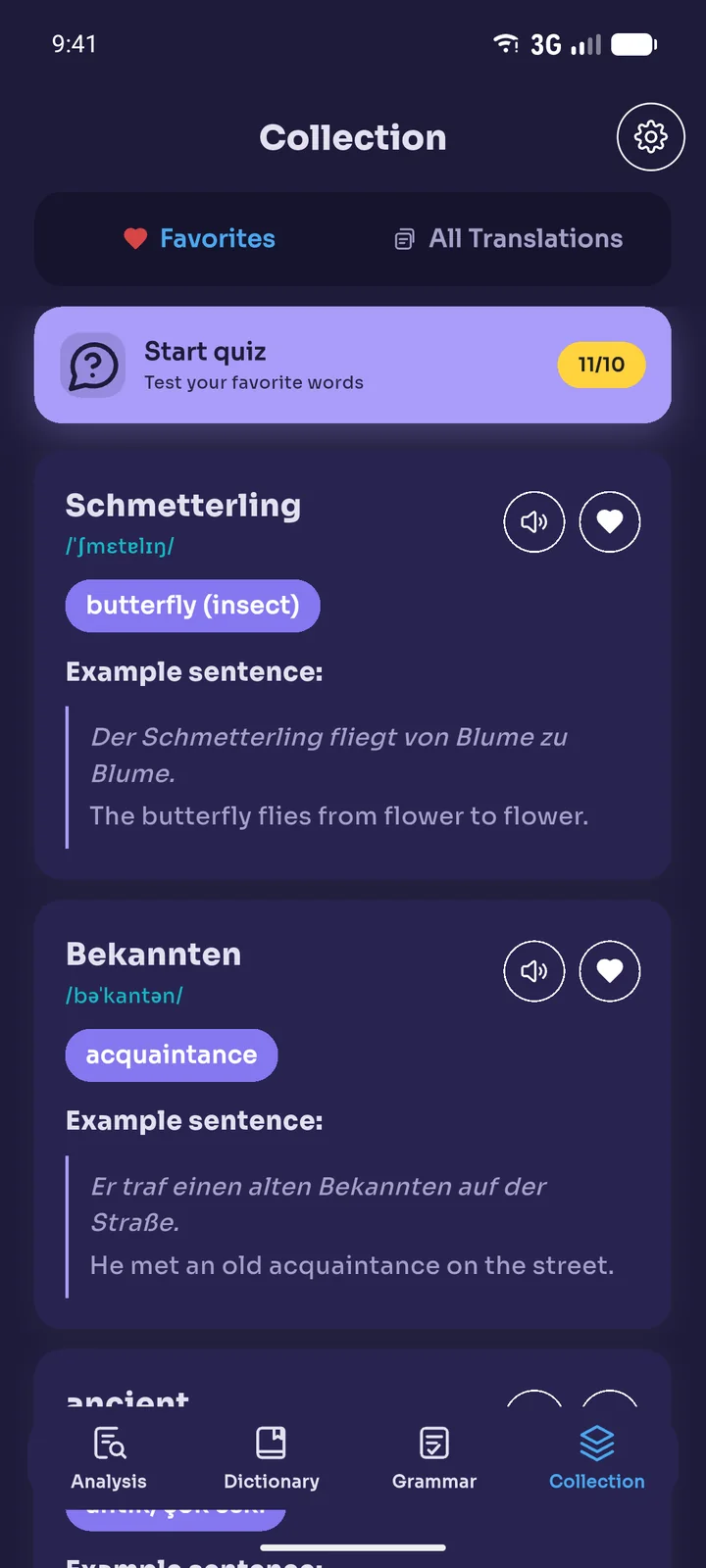
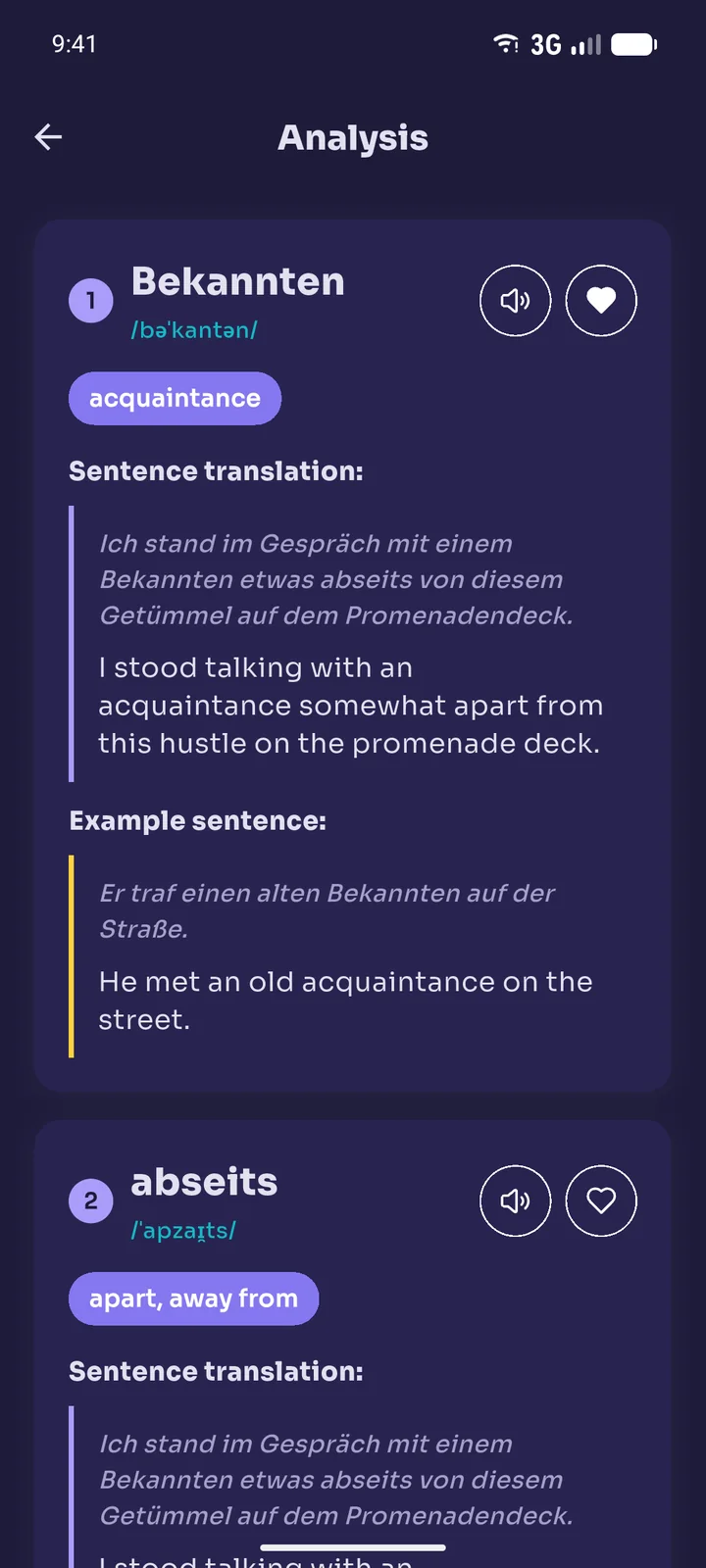
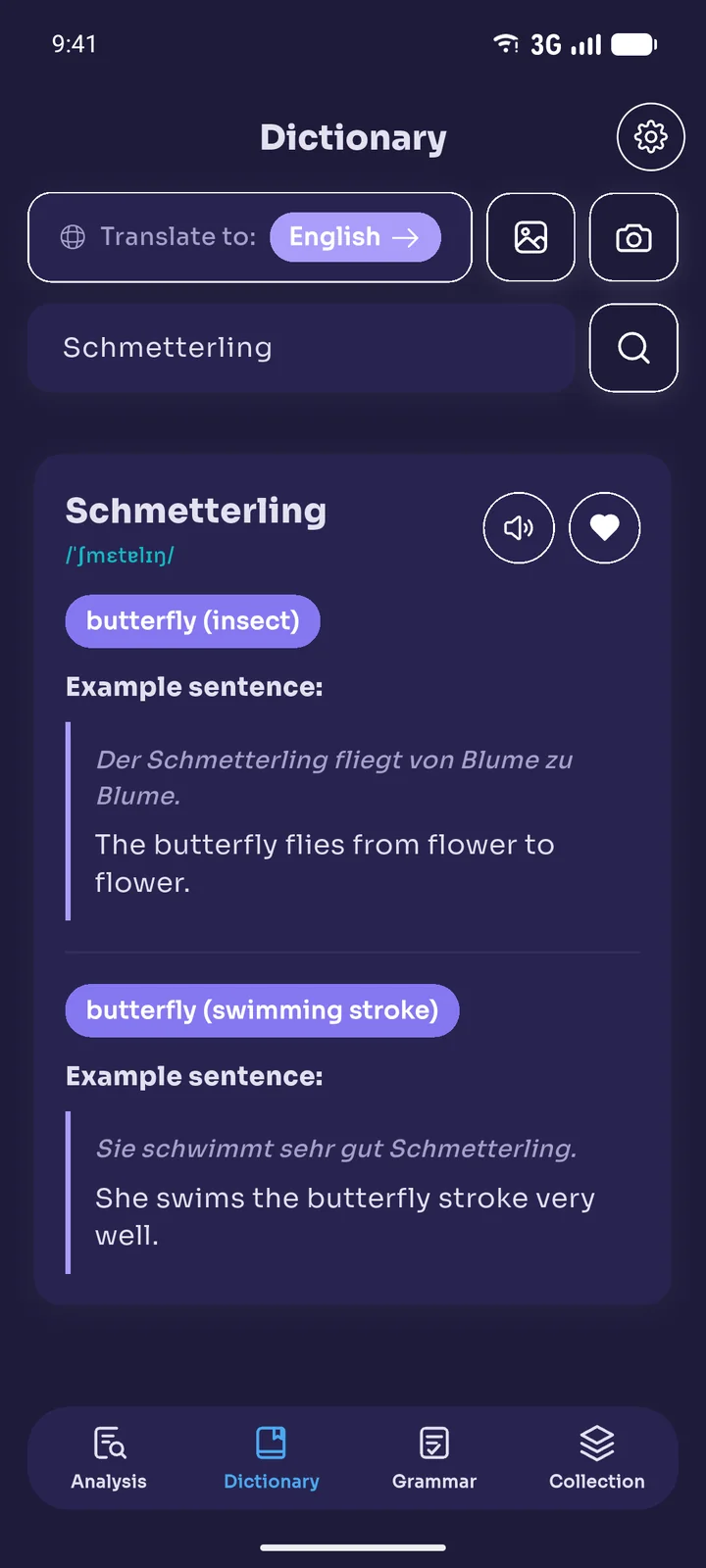
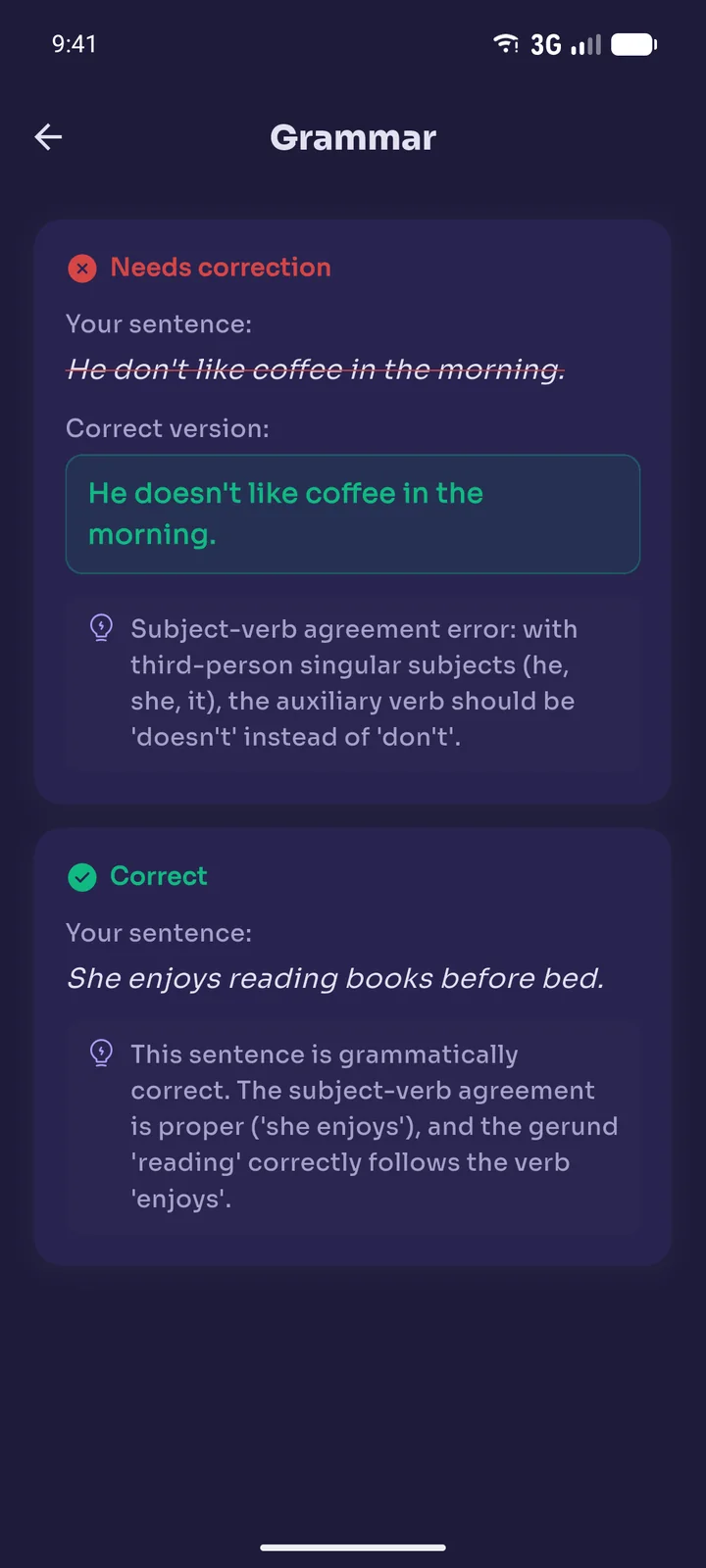
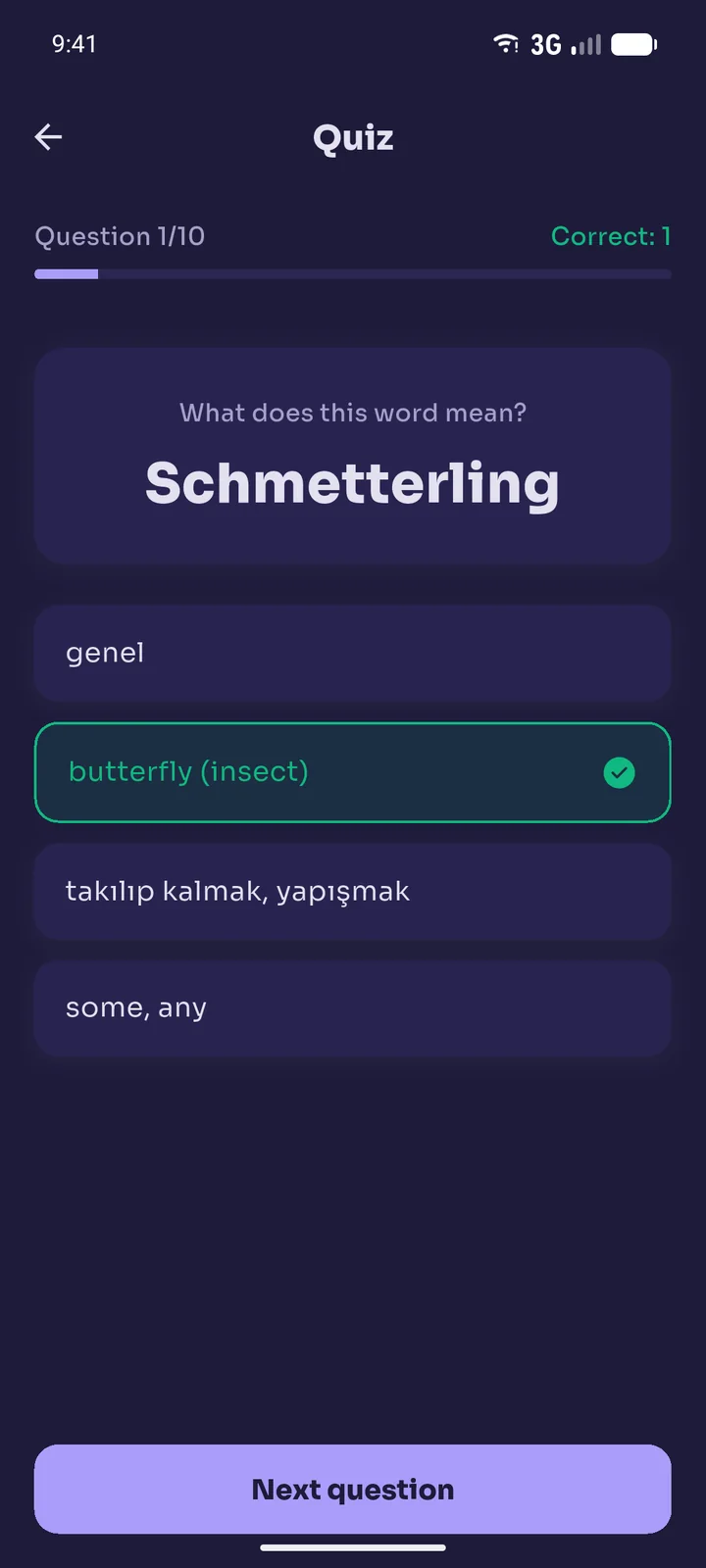
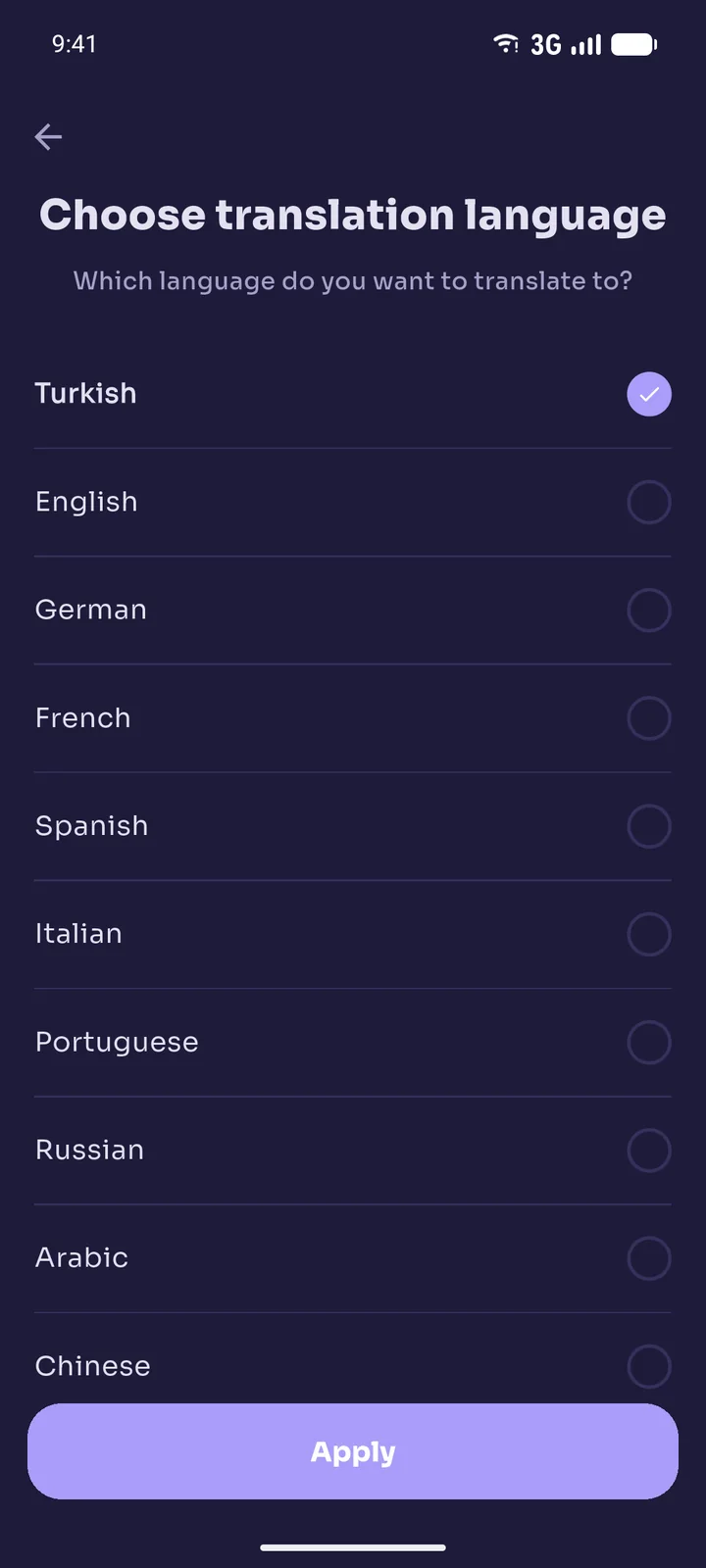
Book Reading Helper lets users photograph physical book pages, detect underlined words and sentences, and receive translations, pronunciations, example sentences and page summaries in the language of their choice. The App also offers dictionary lookups by typing or from a photo, a word list and quiz built from saved words, grammar checking for sentences in a photo, and text-to-speech.
The App is or may be offered under the following plans:
- A free plan with reasonable usage limits, which may be supported by advertising in the future.
- When available, a Premium subscription plan with extended limits and no ads.
We reserve the right to modify, suspend or discontinue any feature of the App, in whole or in part, at any time, with or without prior notice.
4. Accounts
You may use the App as a guest without creating an account; in that case an anonymous identifier is assigned to you automatically. Creating an account (by signing in with Google or email) is optional and keeps your saved words and preferences available across devices. You are responsible for keeping your account credentials confidential and for all activity under your account. You agree to provide accurate and complete information and to keep it up to date.
5. Subscriptions, Free Trials and Payment
This Section applies once a Premium subscription becomes available for purchase in the App.
- Premium is offered as an auto-renewing subscription (the "Subscription"), billed through the Apple App Store or Google Play Store at the interval and price shown in the App at the time of purchase.
- If a free trial is offered, your Subscription automatically converts to a paid Subscription unless you cancel before the trial ends. IF YOU DO NOT WANT TO BE CHARGED, YOU MUST CANCEL BEFORE THE FREE TRIAL ENDS.
- Subscriptions automatically renew for the same period unless cancelled at least 24 hours before the end of the current billing period.
- You can manage or cancel your Subscription at any time through your Apple ID or Google Play account settings. Cancellation takes effect at the end of the current billing period; unless required by law or store policy, no partial refunds are given for unused time.
- Refunds are subject to the policies of the Apple App Store or Google Play Store, as applicable.
- You must provide valid and authorized payment information through the app store. Using fraudulent, unauthorized or invalid payment methods will result in immediate suspension of your account, and we reserve the right to pursue legal remedies.
- We are not responsible for losses, service interruptions or damages resulting from the use of fraudulent or unauthorized payment methods. If a payment dispute or chargeback is initiated under fraudulent circumstances, we reserve the right to permanently suspend the related account.
- We reserve the right to change Subscription prices; changes do not affect a Subscription period already paid for and will apply to renewals with reasonable notice.
6. Usage Limits
To keep the Service fair and sustainable for all users, the number of requests that can be made within a given period (for example, hourly or daily) for features such as photo analysis, dictionary lookups, grammar checks and text-to-speech may be limited. When you reach a limit, the related feature becomes temporarily unavailable until the period resets. Where offered, limits may be temporarily increased by watching rewarded ads. We reserve the right to change these limits, the availability of rewarded ads, or the free plan itself at any time at our sole discretion.
7. Fair Use Policy
To ensure a high-quality experience for all users, use of the App and of Premium access is subject to a Fair Use Policy, even where limits are described as generous or high-volume:
- The App and the Premium Subscription are for individual, personal use only. Sharing, reselling or distributing your account or Subscription access is prohibited.
- Using scripts, bots, automation or multiple accounts to exceed or bypass limits or to repeatedly claim rewarded-ad bonuses is prohibited.
- Excessive or abusive usage patterns that create disproportionate operating costs (for example, automated bulk photo processing) are not considered normal use, even under a Premium Subscription, and may be reviewed.
- If we determine that your usage violates this Fair Use Policy, we may contact you, temporarily limit or suspend your access pending review, or terminate your account under Section 16.
8. Acceptable Use
You agree not to:
- Use the App for any unlawful, fraudulent or harmful purpose.
- Reverse engineer, decompile, disassemble or otherwise attempt to circumvent the App's usage limits, subscription checks or security features.
- Use automated tools (bots, scripts) to access or interact with the App or our servers.
- Use the App to digitize, redistribute, resell or create substitutes for copyrighted books or substantial portions of them.
- Knowingly submit images other than book pages that contain personal data, identity documents, other people's private correspondence or unlawful content.
- Disrupt or interfere with the integrity or performance of the App or its infrastructure.
- Impersonate any person or entity or misrepresent your affiliation with them.
9. Copyright and Intellectual Property in Content You Process
The App is designed solely for personal, non-commercial, educational use, to help you read and learn vocabulary from physical books you lawfully own or have the right to access.
- You alone are responsible for ensuring that your use of copyrighted book content through the App complies with the copyright laws applicable in your jurisdiction.
- The App does not store, reproduce or redistribute the original photo or the full photographed page. Photos are sent through our server to our AI service provider solely to produce the translation, summary or grammar check you request, and are processed only for the duration of that request. Detected words are saved to your word list together with their translations, example sentences and the sentence in which they appear — not the surrounding page or the full source text.
- Page summaries generated by the App are original interpretive summaries intended to convey the general idea of a page; they are not verbatim reproductions, transcriptions or professional translations of the source text.
- Any commercial use of the App, bulk digitization, or any use intended to create a substitute for the original copyrighted work is strictly prohibited.
- If you are a rights holder and believe your copyrighted work is being used through the App in a way that infringes your rights, please contact us at the email address in Section 19 with the details of your claim.
10. Our Intellectual Property
The App — including its name, logo, user interface, source code and all original content created by us (excluding content generated in response to your inputs) — is owned by [Geliştirici / Şirket Unvanı] and protected by copyright, trademark and other applicable intellectual property laws. Subject to your compliance with these Terms, we grant you a limited, non-exclusive, non-transferable, revocable license to use the App for your personal, non-commercial use. All rights not expressly granted are reserved.
11. User Content
"User Content" means the photos, words and sentences you type, or other material you submit through the App. You retain ownership of your User Content. By submitting User Content, you grant us a limited, non-exclusive, worldwide license to process that content solely to provide the Services to you (for example, to generate a translation, summary or grammar explanation). We do not use your User Content for any other purpose, including training third-party AI models, beyond what is strictly necessary to produce the output you request.
12. Third-Party Services
As described in our Privacy Policy, the App integrates third-party services such as Google Firebase, Anthropic's Claude API and Microsoft Azure (server hosting and text-to-speech), and, if introduced in the future, Google AdMob and RevenueCat. The applicable terms of the Apple App Store or Google Play Store from which you downloaded the App also apply to your use. We are not responsible for the acts, omissions or policies of these third parties.
13. Disclaimer of Warranties
THE APP AND ALL SERVICES ARE PROVIDED "AS IS" AND "AS AVAILABLE", WITHOUT WARRANTIES OF ANY KIND, EXPRESS OR IMPLIED, INCLUDING BUT NOT LIMITED TO WARRANTIES OF MERCHANTABILITY, FITNESS FOR A PARTICULAR PURPOSE, NON-INFRINGEMENT OR ACCURACY.
Translations, summaries, example sentences, pronunciations and grammar explanations are generated using third-party AI services and may at times be inaccurate, incomplete or incorrect. You should not rely on the App in place of professional translation or academic advice. We do not warrant that the App will be uninterrupted, error-free or secure.
14. Limitation of Liability
TO THE MAXIMUM EXTENT PERMITTED BY APPLICABLE LAW, [Geliştirici / Şirket Unvanı] SHALL NOT BE LIABLE FOR ANY INDIRECT, INCIDENTAL, SPECIAL, CONSEQUENTIAL OR PUNITIVE DAMAGES, INCLUDING BUT NOT LIMITED TO LOSS OF DATA, PROFITS OR GOODWILL, ARISING FROM YOUR USE OF OR INABILITY TO USE THE APP, EVEN IF ADVISED OF THE POSSIBILITY OF SUCH DAMAGES. OUR TOTAL LIABILITY FOR ANY CLAIM ARISING FROM THESE TERMS SHALL NOT EXCEED THE AMOUNT YOU PAID US (IF ANY) IN THE 12 MONTHS PRECEDING THE CLAIM.
15. Indemnification
You agree to indemnify, defend and hold harmless the Developer and, where applicable, its employees and agents from any and all claims, liabilities, damages, losses and expenses, including reasonable attorneys' fees, arising out of or in any way connected with your breach of these Terms, your misuse of the App, or your violation of any third party's rights, including copyright.
16. Termination
We may suspend or terminate your access to the App, with or without notice, if you breach these Terms or for any other reason at our sole discretion. You may stop using the App at any time and request deletion of your account (see Privacy Policy, Section 12). Upon termination, your right to use the App ends immediately; provisions that by their nature should survive termination (including Sections 9, 10, 12, 13, 14 and 17) remain in effect.
17. Governing Law and Dispute Resolution
These Terms are governed by and construed in accordance with the laws of [Ülke], without regard to its conflict of law principles. Any dispute arising out of or relating to these Terms or the App shall be subject to the exclusive jurisdiction of the courts of [Şehir], except where applicable consumer protection law requires otherwise.
To the extent permitted by applicable law, you agree that any claim arising out of or relating to these Terms or the App must be brought within one (1) year after the event giving rise to the claim.
18. Miscellaneous
- Entire Agreement: These Terms, together with our Privacy Policy, constitute the entire agreement between you and the Developer regarding the App.
- Severability: If any provision of these Terms is found unenforceable, the remaining provisions remain in full force and effect.
- No Waiver: Our failure to enforce any right or provision of these Terms does not constitute a waiver of that right or provision.
- Assignment: You may not assign these Terms without our prior written consent. We may assign these Terms in connection with a merger, acquisition or sale of assets.
19. Contact Us
If you have any questions about these Terms, contact us:
[Geliştirici / Şirket Unvanı]
Email: [İletişim e-postası]